Accounting Software (QuickBooks / Odoo)
About Course
Course Overview
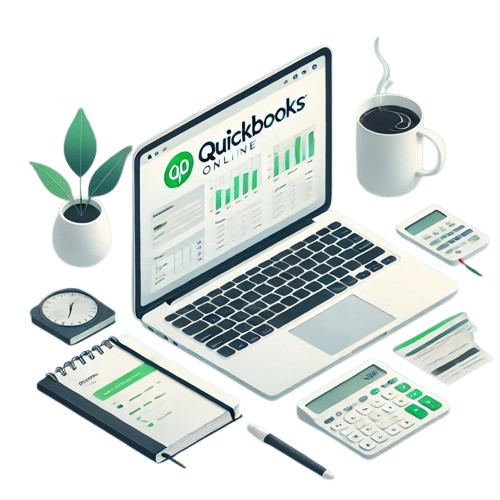
This professional training program provides participants with practical skills in using modern Accounting Software systems including QuickBooks and Odoo ERP Accounting Module to manage financial transactions, bookkeeping, reporting, and business operations efficiently.
The course focuses on real-world accounting scenarios, hands-on exercises, and workflow automation to help learners perform daily accounting tasks using industry-standard software.
This course is ideal for professionals who want to improve their productivity, accuracy, and reporting capabilities using digital accounting tools.
Course Objectives
By the end of this course, participants will be able to:
- Understand the fundamentals of computerized accounting systems
- Use QuickBooks to record and manage financial transactions
- Use Odoo Accounting Module for business accounting operations
- Create invoices, bills, and journal entries
- Manage customers, vendors, and accounts
- Generate financial reports and statements
- Perform bank reconciliation
- Configure company settings in accounting software
- Apply best practices in digital bookkeeping
Course Content
Day 1 — Introduction to Computerized Accounting & Software Basics
-
Introduction to accounting software
-
Manual vs computerized accounting
-
Overview of QuickBooks
-
Overview of Odoo ERP Accounting
-
Installing / accessing the software
-
Company creation setup
-
Chart of accounts
-
Fiscal year settings
-
User roles and permissions
-
Practical Lab: Create a new company file
Day 2 — Recording Transactions in QuickBooks
Day 3 — Reports & Bank Reconciliation in QuickBooks
Day 4 — Odoo Accounting Module
Day 5 — Advanced Features & Real Business Simulation
Student Ratings & Reviews

No Review Yet